Platform · Moodboards
The board the client loves
Rosewood Living
Live
Export
1280×720
True to scale
Spec
Comments
History
Share
Concept: Big Idea
Presentation: 6-up grid
Presentation: Hero + supporting
Finish: Materials board
Presentation: Product slots
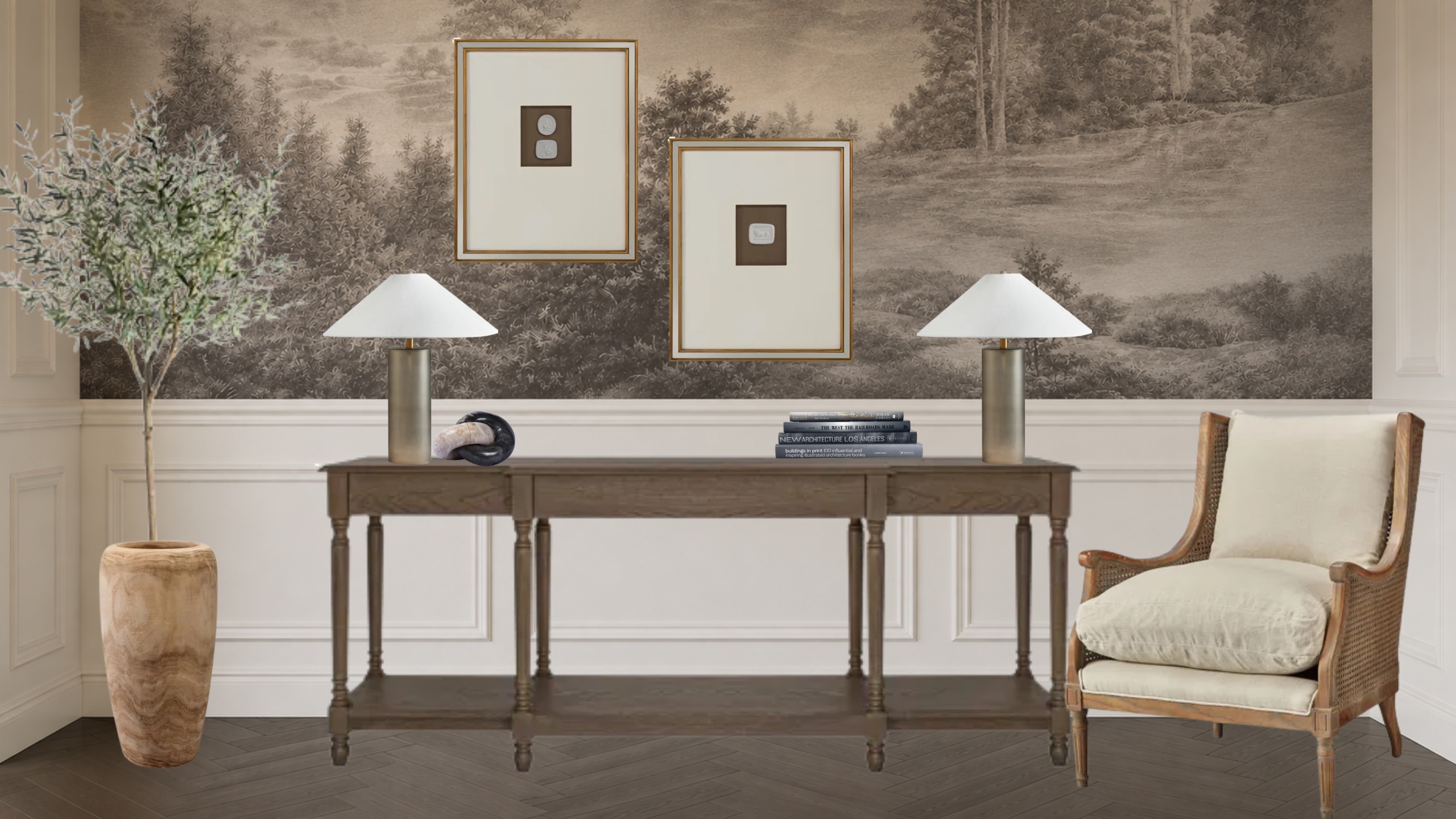
The board the client loves
is the board you bill from.
Pull products straight from your library, arrange the room, and send it. The client comments and approves on the board itself. Then Spec turns those same items into an estimate or an invoice. No rebuilding the selection in another tool.
Trusted by the studios doing the work
Getting product onto the board
Three ways in, one record out
However the image arrives, it becomes an item on the board, and an item can carry the vendor, the cost and the client price.
Your product library
The organization library, filtered by vendor, category or location. The item arrives already knowing what it is, who it is from, and what it costs.
An upload
A file from your computer: a scanned finish, a photograph of a showroom find, a supplier PDF export. Drag it on and place it.
An image URL
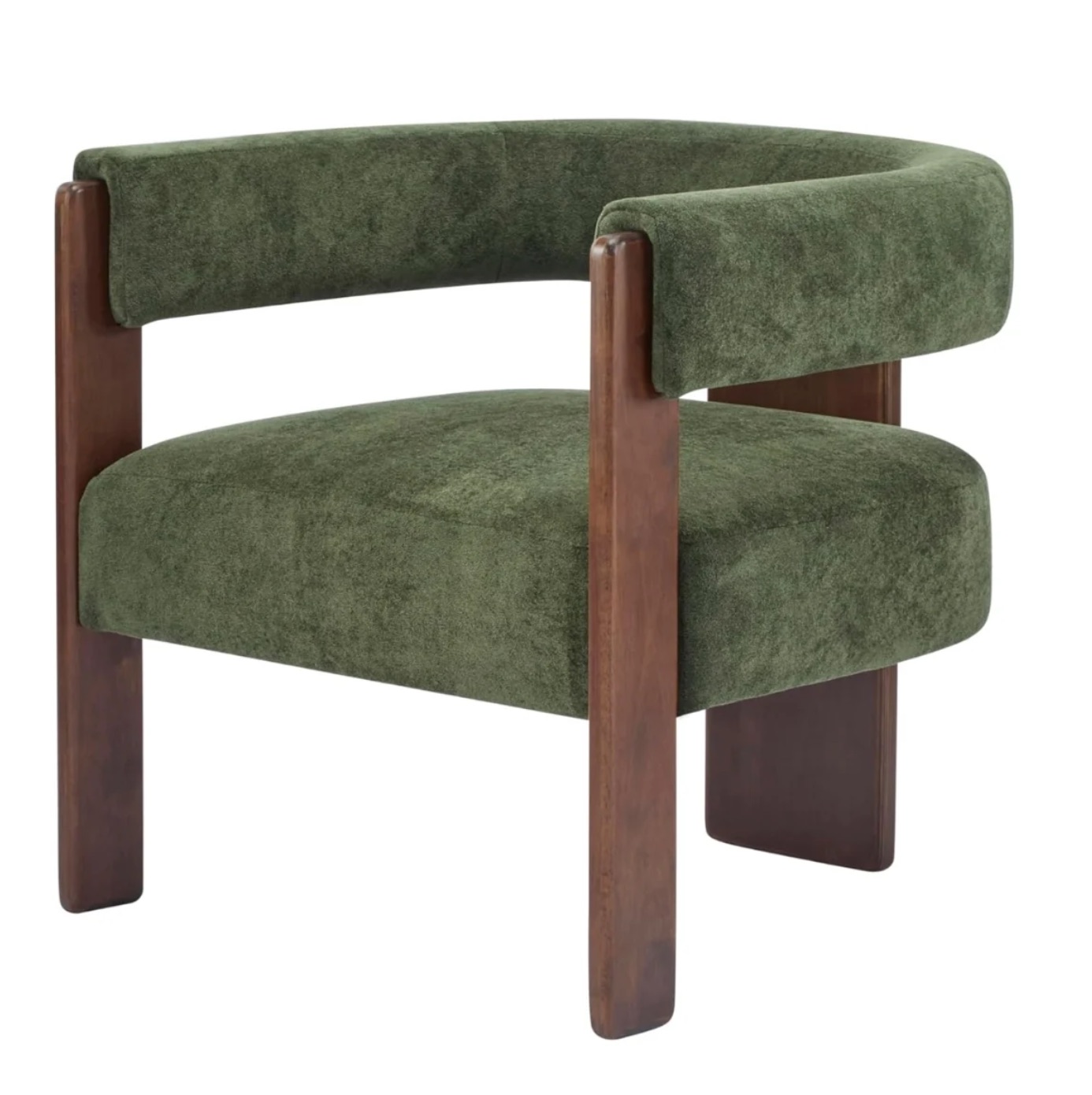
Right-click any product image on a vendor's site, copy the image address, paste it in. Workroom imports the image itself, not a screenshot of it.
/public/Tola_Lounge_Chair_Venice_Vegan_Suede_Sage_1_0.jpg
CancelAdd to board
Spec
The presentation and the paperwork start from the same selections
A board is where the client falls in love with the room. It is also, quietly, a list of things with vendors and prices attached. Spec takes the items you choose from the board straight into an estimate or an invoice, so nobody retypes the selection into a different document and nobody discovers in week six that the approved lamp was never specified.
- Items added from a product record arrive with vendor, cost and client price
- Items added by upload or URL take the same fields manually: URL, cost, sale price, product name, vendor
- Send the selected items to an estimate or an invoice
- Pushing manually-entered items back into the product library is coming
Leano 52″ ChandelierVisual Comfort$2,395.00
Grove Dining Table, Whitened OakAcre Made$4,180.00
Finn Spindle Dining Chair (Set of 2)A.R.T. Furniture$1,290.00
Checkers Flint Woven Wool Rug, ShaleCheckers$3,640.00
4 items selectedAdd to estimate
Client review
The feedback lands on the lamp, not in an email
Clients comment on the item itself and approve or reject from the board. And because clients click the wrong thing sometimes, a designer can reverse an approval or a rejection.
1
“Love this lamp! Can we change the shade to a beige?”
Reply…
2
“Is this swiss coffee? LOVE!”
Reply…
Approved by the client · 2 days ago
Approved in error? A designer can reverse it. The item goes back to pending and the client is asked again.
Paint
Every fan deck you actually specify from
Search by name, code or family and drop the real color onto the board. No screenshots of a paint chip, no guessing whether the sample you pulled off a website is the current formulation.
- Benjamin Moore 4,000
- Sherwin-Williams 1,526
- Dunn-Edwards 1,696
- Valspar 1,764
- Farrow & Ball 132
- Dulux AU 5,032
- Dulux NZ 4,224
- Dulux UK
1482
1534
OC-5
AF-440
2096-50
1006
CW-490
OC-45
Showing 400 of 1,199. Search to narrow.
What changed: Added 8 images · edited 2 elements · removed 4 images
This restores the board to how page 1 looked at v1 (Someone, an hour ago). You can ⌘Z to undo the revert.
CancelRevert board
Version history
Undo a week, not just a keystroke
Every version records what actually changed (images added, elements edited, images removed) and who changed it. Restore the board to any earlier version, and undo the restore if that was wrong too.
- Named versions with a plain-English summary of the change
- Restore a single page or the whole board
- The revert itself is undoable
- Per-item versioning is coming, so one product can roll back without the room going with it
The rest of it
Built for boards you send to a paying client
Background remover
Cut a product out of its studio backdrop on the board, and restore the original if the cut-out was wrong.
Live collaboration
More than one person on the same board at the same time. No exporting, emailing and merging two versions afterwards.
Custom canvas sizes
Set the page to whatever you present on: a screen, a printed board, a client PDF.
Brand kit
Your typefaces, colors and marks, applied so every board that leaves the studio looks like it came from the same studio.
Templates
Concept, presentation grids, hero-plus-supporting, materials boards. Start from a layout instead of an empty page.
Folders and projects
Create a folder per project and assign boards to a project. Boards belong to the organization, never to one person's account.
Questions we hear
Moodboards, specifically answered
Where do the images come from?
Three places. Your organization's product library, filtered by vendor, category or location. A file from your computer. Or an image URL: right-click any product image on a vendor site, copy the image address, paste it in, and it imports.
Does the board know what anything costs?
Yes, when the item came from a product record. Anything added another way can carry the same fields manually: URL, cost, sale price, product name and vendor. Pushing those manual items back into the product library is coming.
Can the client approve from the board?
Comments and approval workflows are live. Clients comment on the item itself, and approve or reject. A designer can reverse a client's approval if something was approved or rejected by mistake.
Can a board become an estimate?
Spec takes items from the board into an estimate or an invoice, so the presentation and the paperwork start from the same selections.
Are boards owned by a project or by a person?
Boards are organization-level, never personal. You can create a folder per project and assign boards to a project.
Which paint libraries are included?
Benjamin Moore, Sherwin-Williams, Farrow & Ball, Dunn-Edwards, Dulux (Australia, New Zealand and UK) and Valspar, searchable by name, code or family.
Can more than one person work on a board at once?
Yes. Live collaboration means several people can move, add and adjust items on the same board at the same time.
What if a board gets wrecked?
Version history. Every version records what changed (images added, elements edited, images removed), and you can restore the board to any earlier version. Per-item versioning is coming.
For studios presenting this week
Bring a room you are about to present.
We will build the board from your own library on the call, drop a paint color on it, share it for comment, and send the approved items into an estimate, which is usually the moment the second tool stops looking necessary.