Your products are not
trapped in a project.
Most design software files a product inside the job it was bought for. Find it again and you are copying a model number out of last year’s spreadsheet. In Workroom every product you have ever specified is one library: searchable across every project, filterable by vendor, room or status, and duplicated onto a new project with its sub-items, pricing and specification intact.
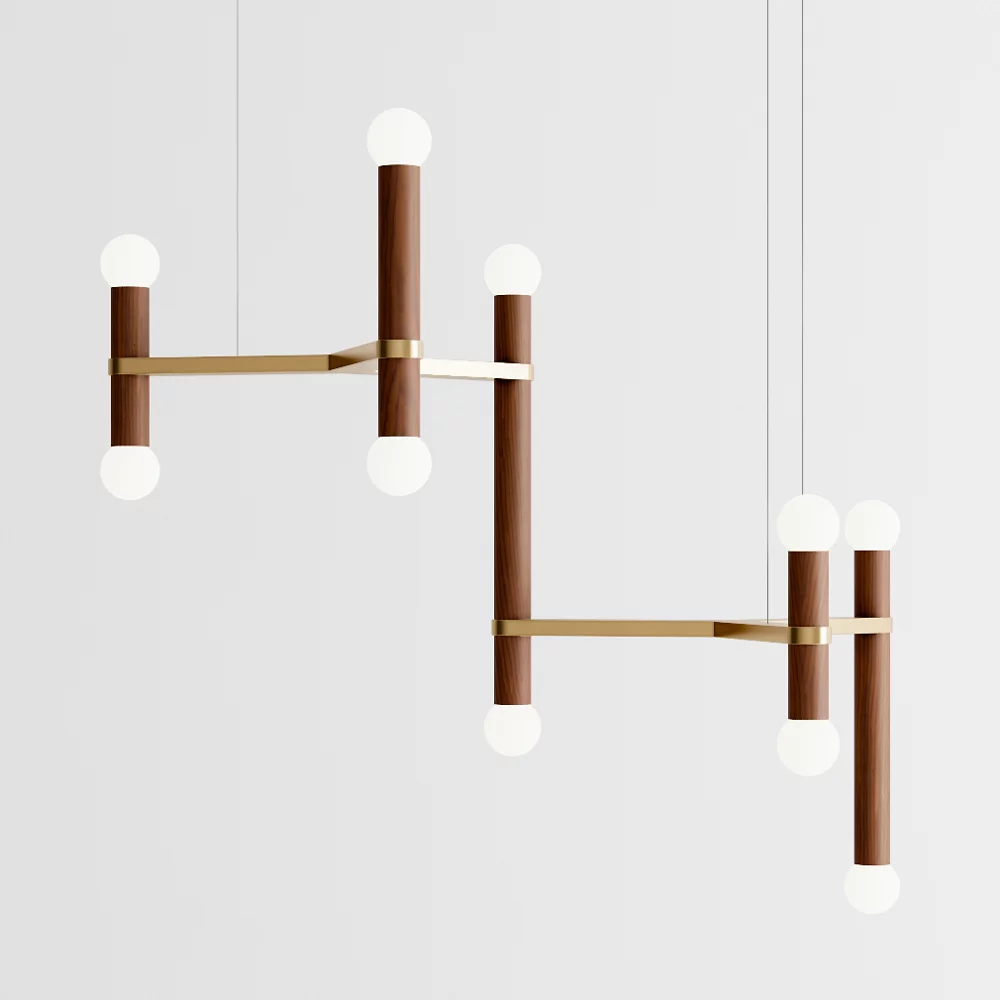
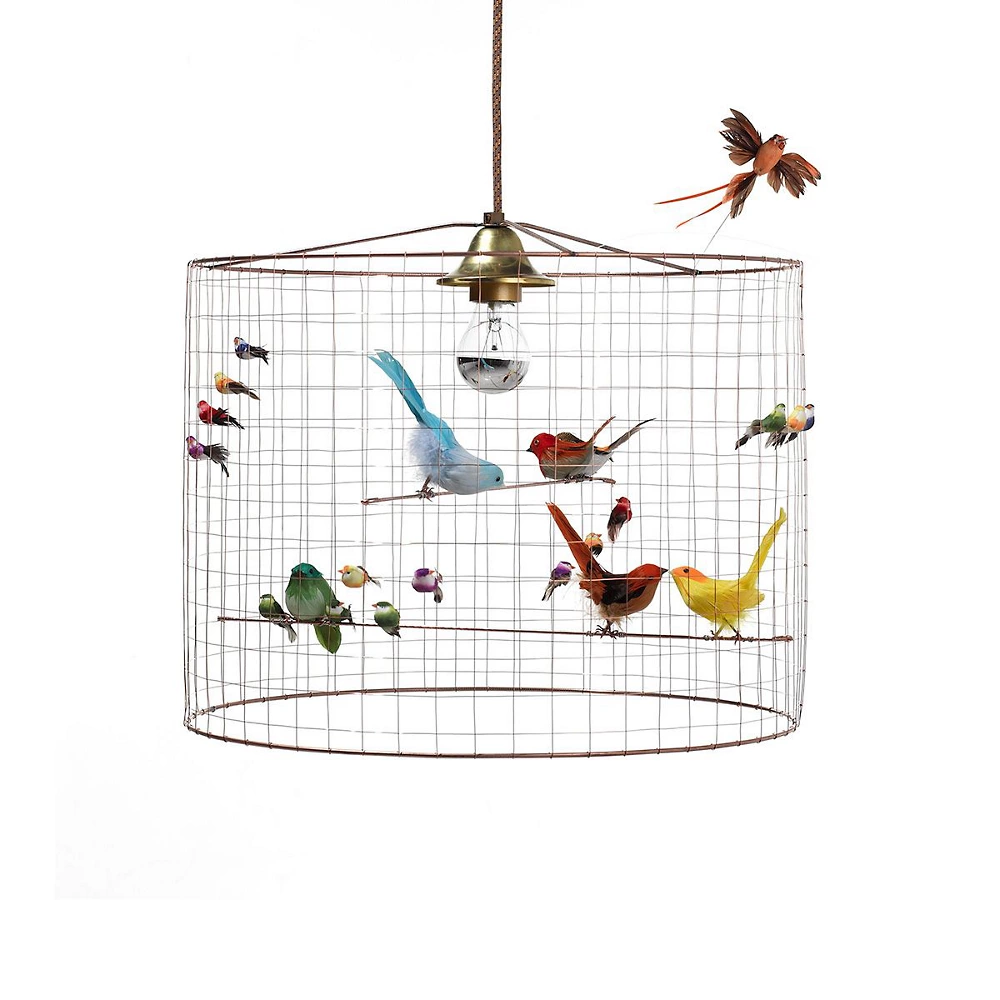
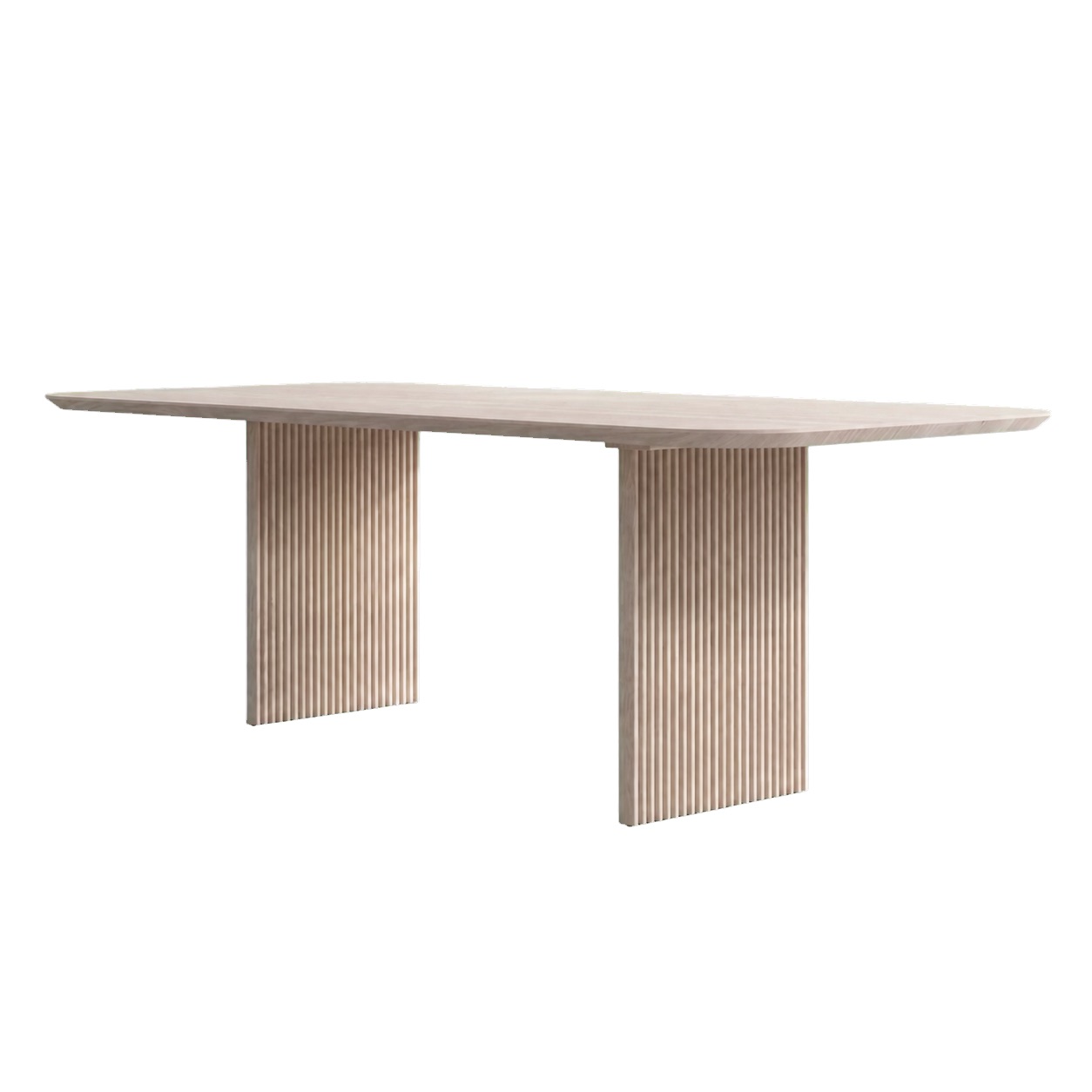
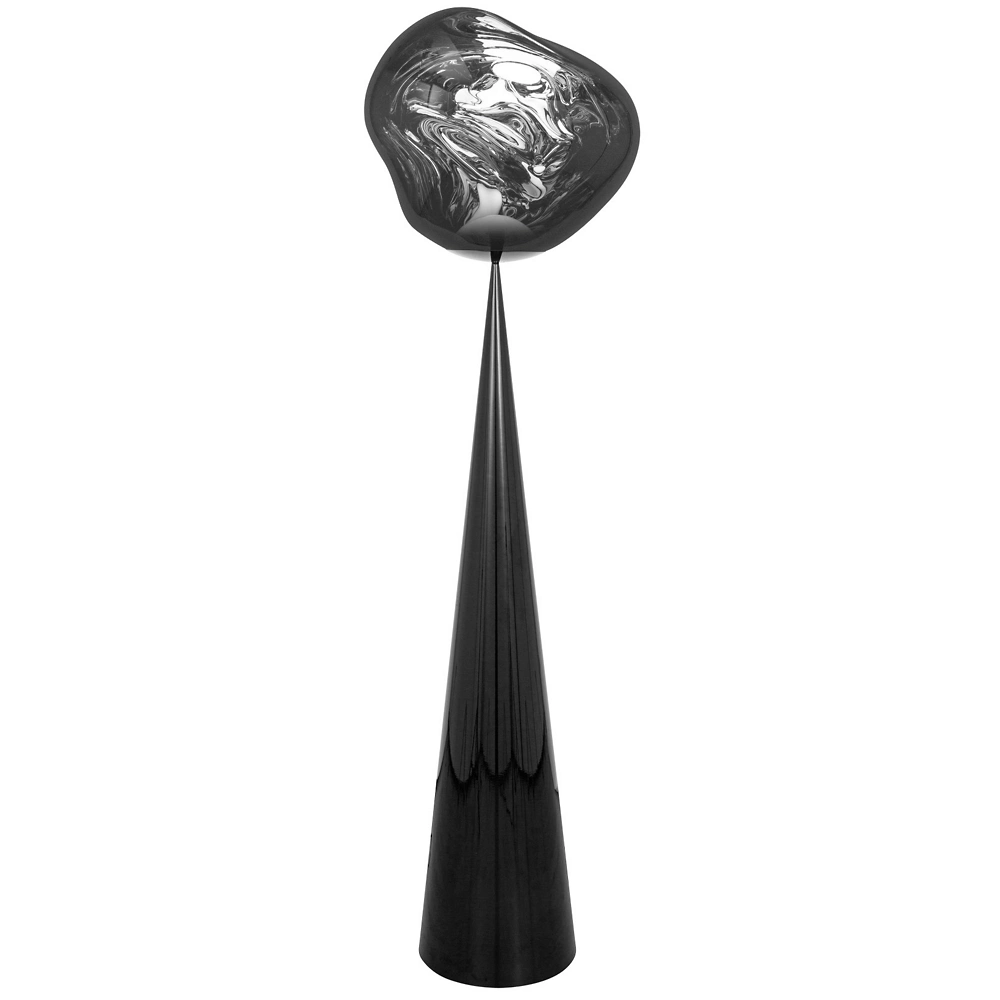

Six vendors, four projects, one list, filterable by vendor, room, category or status.
Trusted by the studios doing the work
The pieces you trust should not need re-sourcing
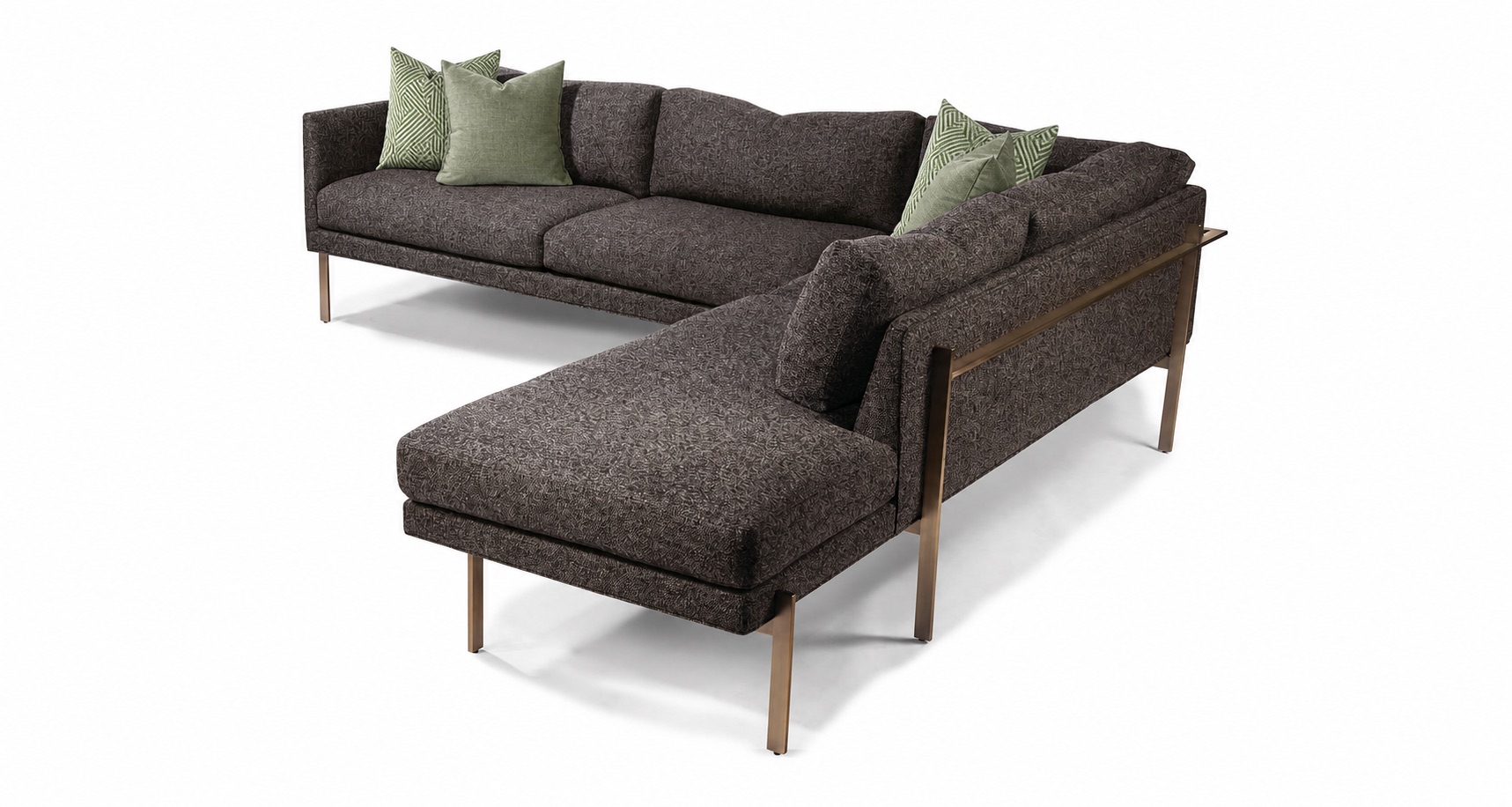
Every studio has them. The bedside table that fits everywhere, the reading lamp that has never once had a lead-time problem, the sectional you specify because you know exactly how it wears. Re-finding them is not creative work. It is retyping a model number you already own.
Duplicate the product onto the next project and it carries the whole record: vendor, model number, dimensions, finish, freight rule, markup and its sub-items. Pick the new room, type, status and tag on the way through, so it lands ready to work rather than ready to fix.
- Assign to any project from the modal
- Set location, type, status and tag as you copy
- Sub-items come with it, or do not (your call)
- The original stays exactly as it was

Ten years of sourcing, still worth something
A studio’s real inventory is not furniture, it is knowledge: which vendor actually ships, what the freight really costs, which finish photographs badly. That knowledge is worth nothing if it is filed inside individual projects nobody can search.
- Every field travels: model number, dimensions, material, finish, pattern, lead time and freight rule stay attached to the product rather than to the job.
- History stays behind: the duplicate is a new product on a new project. Its purchase orders, tracking and changelog start clean; the original keeps its own.
- Pricing is a starting point: discount, markup and margin come across so you are adjusting a number rather than inventing one.
The vendor changed terms. Change 23 products.
A discount moves from 35% to 40%. A state changes its sales tax. Freight goes from absorbed to billed. Each is a one-field change repeated across dozens of products, and doing it one product at a time is how half of them end up wrong.
Filter to the selection, tick them, and edit the field once. Every field left on “no change” is untouched, so a bulk edit is a scalpel rather than an overwrite, and the fields you did not think about stay exactly as they were.
- Status, room, category and tags in one pass
- Vendor discount, markup, margin and vendor tax
- Sales tax, tax-shipping and tax-landed rules
- Freight flat or percent, freight markup, landed, receiver cost
“What did we use in that Miami job?”
The question every studio asks and no filing system answers. The one where the answer is usually a designer scrolling through photos on their phone, or a call to somebody who left the firm.
Filter the library by project, room, category, status, vendor or tag, and sort by price, vendor, room or when it was added. Leave the project filter on All projects and you are searching everything the studio has ever specified. Set it to one project and you are back inside that job, with the same tools.
“I liked that you were able to use tags (you can create your own), making it easy to find things.”
The product library, specifically answered
Is the library shared across the whole studio?
Yes. Products live at the studio level, not inside a single project. Set the project filter to All projects and you are looking at everything anyone at the firm has specified; set it to one project and you are working inside that job with the same tools.
What comes across when I duplicate a product?
The specification and the pricing (vendor, model number, dimensions, material, finish, pattern, lead time, discount, markup, margin and freight rules) plus its sub-items if you leave that box ticked. You choose the destination project, room, type, status and tag as you copy.
Does the duplicate carry the original’s purchase orders or tracking?
No, and it should not. The copy is a new product on a new project, so its procurement dates, purchase orders, tracking and changelog start clean. The original keeps its own history untouched.
Can I edit lots of products at once?
Yes. Select them and use bulk edit: status, room, category and tags, plus vendor discount, markup, margin, vendor tax, sales tax, and the whole shipping and fees group. Anything left on “no change” is not touched, so you are never overwriting fields you did not mean to.
Can I get products in from a spreadsheet?
Yes. Import brings existing products in, and export takes the current filtered view back out as a file. Firms coming off spreadsheets or another platform usually start there. Migration →
What is a sub-item?
A component that belongs to a product rather than standing on its own: the fabric on a chair, the shade on a lamp, the mount on a fixture. It carries its own cost and moves with its parent, including when the parent is duplicated.
Bring a product you have specified three times.
We will put it in the library on the call, duplicate it onto two projects with its sub-items, and price it differently on each, which is usually the moment the spreadsheet stops looking necessary.